
Take payment at the counter, keep the record
A point of sale and a terminal that belong to the rest of your business. Ring up a sale, take payment however the customer wants to pay, and let stock, customer history and the books update themselves while the receipt prints.
- Card, transfer and cash
- Works offline
- Every outlet in one view
Runs on a phone or tablet · Terminal optional · Settles to one account
Today, Ikeja
SHIFT OPEN₦412,500
A terminal takes the money. It does not run the shop.
Most counters end up with a card machine from one provider, a sales book from another and a stock count done on a Sunday. Each piece works, and none of them agree, so the owner spends the week assembling a picture that should have existed already.
Every way a customer wants to pay
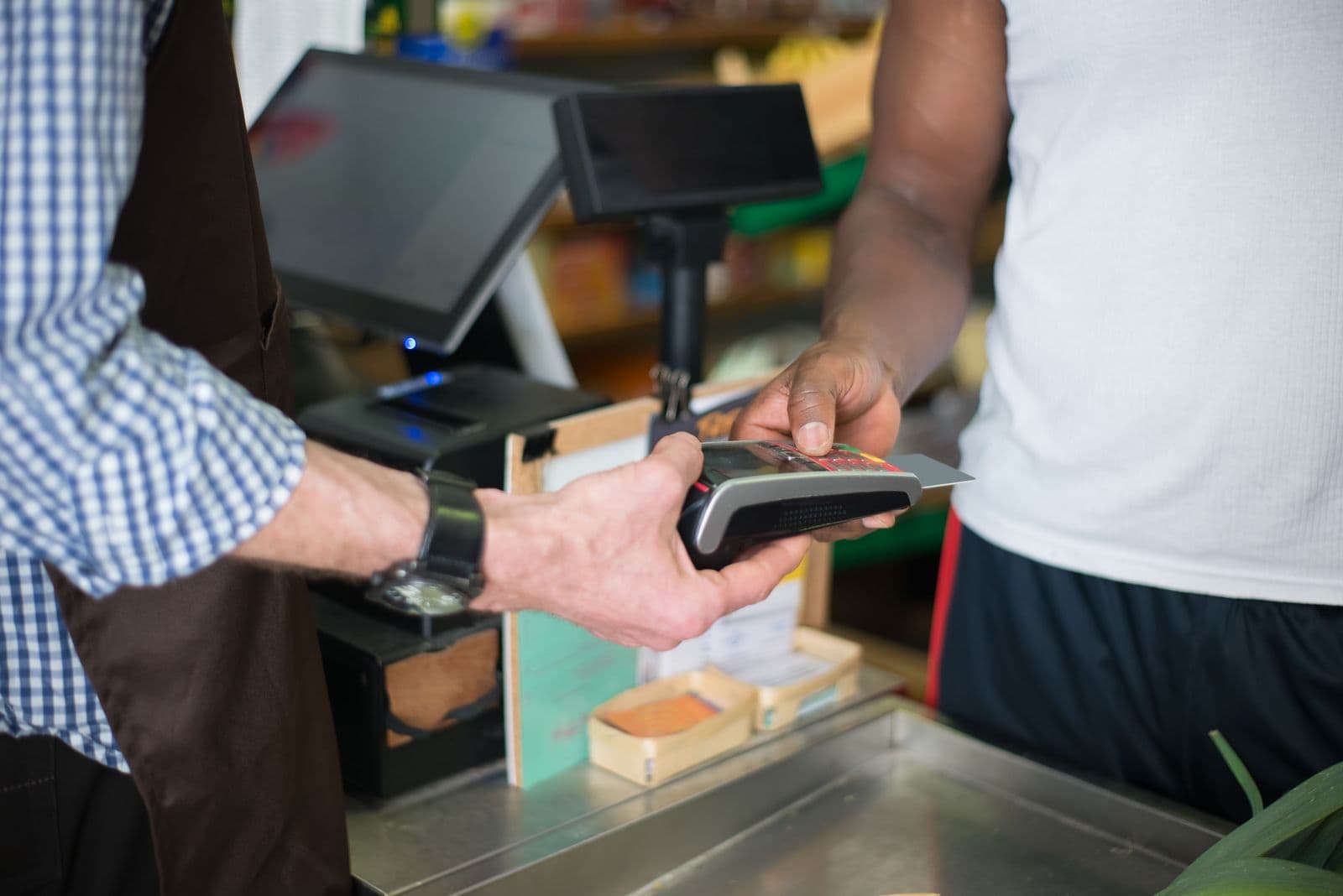
Card and contactless on the terminal, transfer to the counter's own account number, cash, or a split across two of them. Nobody walks out because the one method you support is not the one they use.
Every outlet in one view
Takings, shifts, stock and variance compared side by side across locations, updated as sales happen rather than collected by phone at the end of the day.
The sale is the record
Ringing it up is the whole entry. Stock moves, the customer's history grows and the day book is written, so nothing has to be typed a second time to make the books agree.
Four steps, and the last one is not your job
Set up the counter
Your catalogue is already there. Add the outlet, the till and the staff who work it, each with their own permissions.
Ring up the sale
Scan a barcode or tap a product tile. Discounts, returns and price overrides follow the rules you set, not whatever a busy cashier decides.
Take the payment
Card on the terminal, transfer to the counter's account number, cash, or a split. Receipt by print, SMS or email.
Let the record catch up on its own
Stock reduces, the sale posts, the shift total updates, and the online store knows the item is gone. No end-of-day rekeying.
Stop calling three branches to find out how the day went
Once there is more than one location, the real problem is not taking payment, it is knowing what happened. A shift closes in Lekki and you want the number in Ikeja without waiting for someone to send it.
- Takings and variance per outlet, live
- Shift and cashier reports without a phone call
- Stock levels per location, compared side by side
Counter 2
Shift: Tolu A.
Jollof rice, large
₦4,500
Grilled chicken
₦6,000
Chapman
₦2,200
Total
₦12,700
Approved. Stock and the day book updated
Cash still matters, and it still needs a record
Cash does not stop being real money because it is hard to track. Niimbu records it as a payment method like any other, reconciles the drawer at the end of a shift, and keeps selling when the network drops, syncing the moment it returns.
- Cash counted against expected at shift close
- Offline mode keeps the counter open
- Every sale attributed to the staff member who made it
Outlets
Today
Ikeja
₦412,500
Lekki
₦336,100
Surulere
₦188,400
Cash variance, all outlets
₦0
What changes when the till belongs to the system
The usual way
- A terminal from one provider and a sales book from another
- Stock counted on a Sunday because the till does not know
- Branch totals collected by phone at the end of the day
- Discounts given at the cashier's discretion
- Cash variance discovered a week later, if at all
With Niimbu
- One counter that takes the payment and keeps the record
- Stock reduced as the item is sold, in every channel
- Every outlet visible live, without asking anyone
- Discount rules the system enforces
- Drawer counted at shift close, variance attributed
What the counter can do
Card and contactless
Tap, insert or swipe on a terminal that prints and settles into the same account.
Transfer at the counter
The till has its own account number, so a customer transfer confirms in seconds.
Cash and split payment
Part cash, part card, on one sale, with both recorded properly.
Offline mode
Keep selling when the network drops. Sales sync automatically when it returns.
Receipts your way
Print, SMS or email, with your business name and the items clearly listed.
Shift and cashier reports
Open and close a shift, count the drawer, and see variance per person.
Barcode scanning
Scan to sell and scan to receive stock, so counts stay right without typing.
Returns and exchanges
Process against the original sale, with stock and the books corrected together.
Staff permissions
Who can discount, who can void, who can open the drawer, set per role.
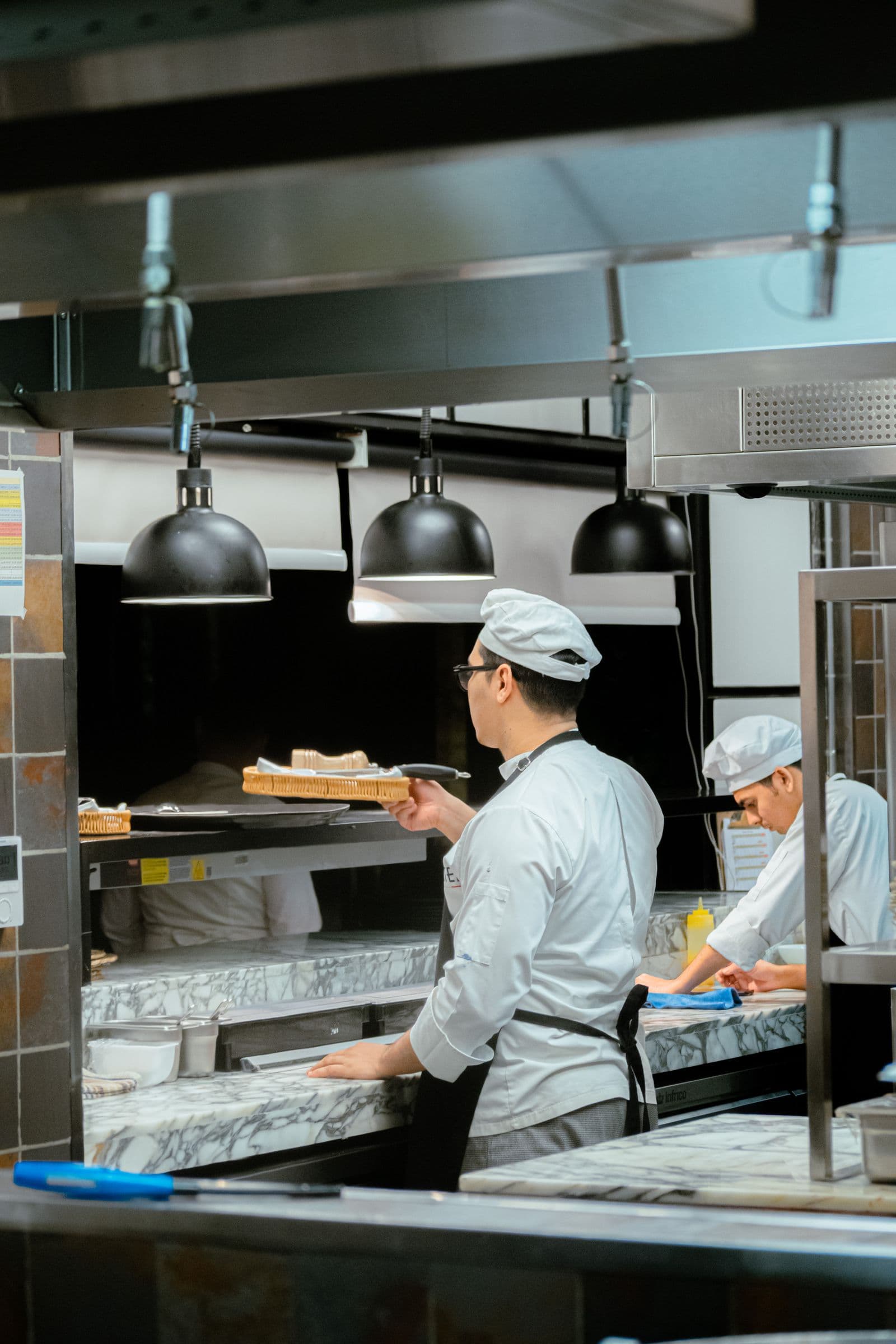
Ringing up the sale should be the whole entry.
If the counter only takes payment, everything it knows has to be recreated later from receipts and memory. A till that writes the record as it sells leaves nothing to reconstruct at close.
Counters that have to keep more than the money
Restaurants and food
Table or counter service, split bills, and a shift that closes with the numbers already reconciled.
Retail and supermarkets
Fast scanning, accurate stock and a clear view of what each till took today.
Pharmacies and clinics
Batch and expiry aware selling, with dispensing recorded against the sale.
Fashion and boutiques
Variants at the counter, and the online store updated the moment the last one sells.
Hotels and hospitality
Charge across outlets, settle to one account, and see the day by department.
Multi-branch businesses
One catalogue, one set of rules, and every location comparable on the same screen.
No licence per till, no charge per cashier
Add outlets and staff as the business grows without the price changing. You are charged on the payments the counter takes, at the same rate as invoices, links and the store.
- Unlimited tills and staff accounts
- One settlement account across outlets
- Volume rates as takings grow
Frequently asked questions
What payment methods can I take at the counter?
Card and contactless on the terminal, transfer to the counter's own account number, and cash. A single sale can be split across two methods, which matters more than it sounds when a customer is short on one of them.
Does the point of sale work without internet?
Yes. Offline mode keeps the counter selling when the network drops, holding sales locally and syncing them automatically once the connection returns. Card authorisation still needs a connection, but cash and recorded sales do not stop.
Does a counter sale update my stock?
Immediately. Selling an item at the counter reduces the same stock figure the online store reads from, so you cannot sell the last one twice. Receiving stock by barcode scan works the same way in reverse.
Can I run more than one outlet?
Yes. Each outlet has its own tills, staff, stock levels and shift reports, and all of them roll up into one view. You can compare locations directly rather than assembling figures sent in from each branch.
How do I control what cashiers can do?
Permissions are set per role. Who can apply a discount, who can void a sale, who can process a return and who can open the drawer are decisions made once, in advance, instead of judgement calls made at a busy counter.
How does cash get reconciled?
A shift opens with a float and closes with a count. Niimbu compares the counted amount with what the sales say should be there and records the variance against the staff member on the shift, so a pattern becomes visible long before it becomes expensive.
Do I have to buy a terminal to use the point of sale?
No. The point of sale runs on a phone or tablet and can take transfer and cash payments on its own. A terminal is what you add when you want to accept cards at the counter, and it settles into the same account as everything else.
Do counter sales appear in my books automatically?
Yes. Each sale posts as it happens, with the payment method, the staff member and the outlet attached. Month-end becomes a review of what is already recorded rather than an exercise in rebuilding the month from receipts.
The rest of Get Paid
Collection works best when the channels share one set of records. Each of these feeds the same customer, invoice and account history.
The simpler way to scale your business!
Start free and see it working today, or talk to us about pricing for teams and higher volumes.