
Know what you have, before a customer asks
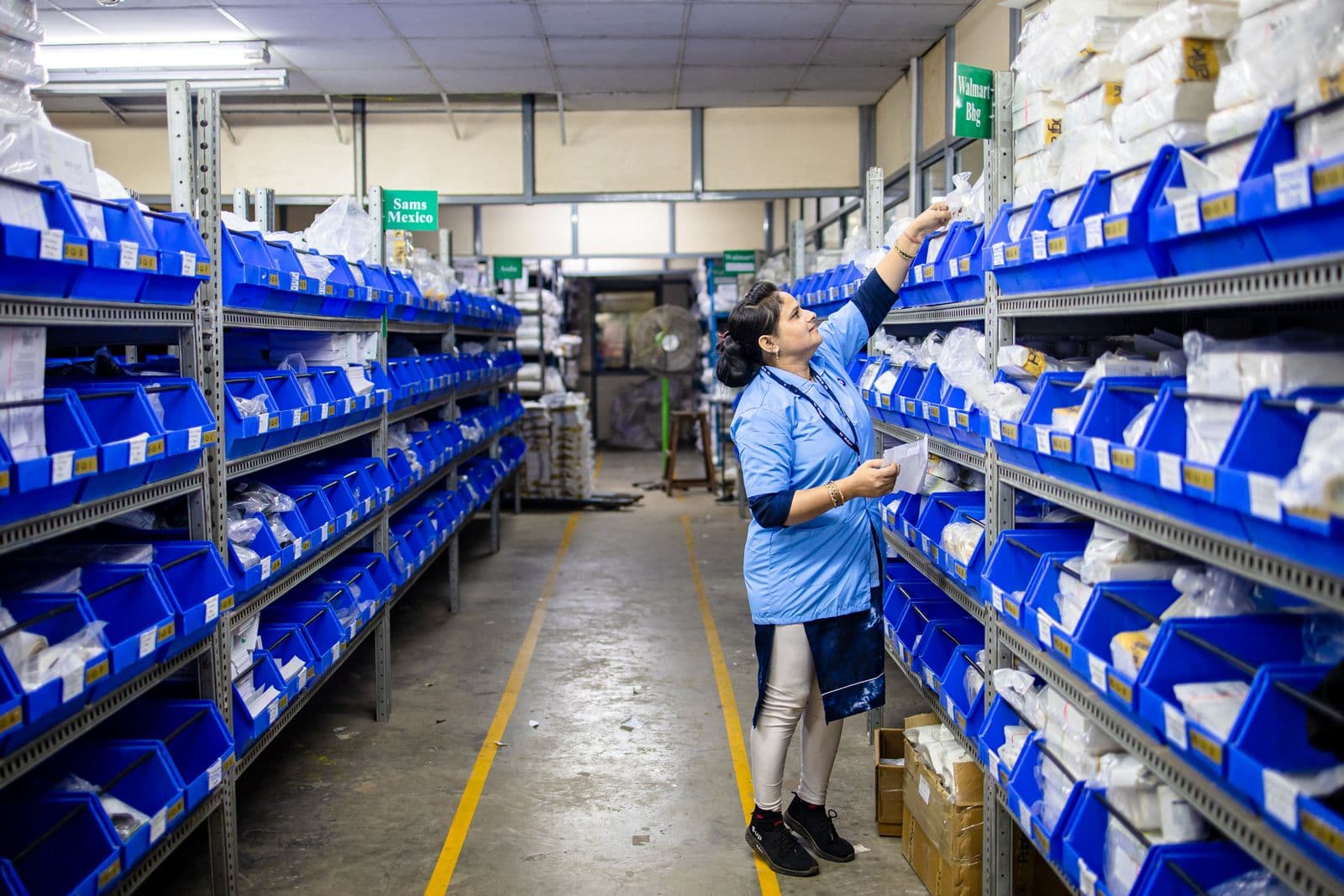
Stock levels per outlet, updated by every sale and every delivery, with reorder alerts that fire while there is still time to act. When a count disagrees with the shelf, you can trace it rather than just correct it.
- Per outlet
- Reorder alerts
- Every movement traced
Included in every account · Unlimited items and outlets
Reorder due
3 items
Below reorder level
Stock on hand
₦12.4m
Stock is the largest thing most businesses cannot see
It is usually the biggest sum of money the business owns, and the number describing it is often a spreadsheet updated at the weekend. Everything downstream, from ordering to margin, inherits whatever that figure gets wrong.
Warned while it still helps
A reorder level per item, per outlet, and an alert when stock crosses it. Knowing you have run out is not information, it is an apology. Knowing you are four days away is a decision.
Right down to the outlet
Stock is held per location, not as one company-wide number that is true nowhere. You can see what Ikeja has, move it to Lekki, and keep the record of why it moved.
Every movement has a reason
Sales, deliveries, transfers, returns and write-offs each leave a trace. When a count disagrees with the shelf, you can follow it back rather than simply overwriting the number and hoping.
Set it up once, then let trading maintain it
Set your opening stock
Upload current quantities per item and per outlet, or count as you go. Barcodes make the first count considerably faster.
Set reorder levels
The point at which you want to be told, per item and per location, based on how quickly it usually sells.
Trade as normal
Counter sales, store orders and invoices reduce stock as they happen. Deliveries and returns increase it, scanned in.
Act on the alerts
Reorder before the gap appears, investigate a variance while it is recent, and count periodically rather than in a panic.
A number you can question is worth more than one you cannot
Every stock system eventually disagrees with the shelf. The difference between a small problem and a permanent one is whether you can see what moved, when, and on whose authority, or whether the only option is to overwrite the figure and start again.
- Sales, deliveries, transfers, returns and write-offs all logged
- Each movement tied to the sale, purchase or person behind it
- Variances investigated while the trail is still warm
Stock
Ikeja outlet
Ankara two-piece
18
Reorder at 10
Kaftan, navy
6
Reorder at 12
Silk headwrap
42
Reorder at 15
Kaftan, navy will run out in about 4 days at current sales
Stock takes that do not require closing the shop
Counting a whole business in one weekend is disruptive and, by the following Tuesday, out of date. Counting a section at a time, against a live figure, keeps the record honest without stopping trade.
- Count by section, category or outlet
- Scan to count, with variances flagged as you go
- Adjustments recorded with a reason, not silently applied
Movements
Ankara two-piece
Counter sale, Ikeja
-2
Store order #1044
-1
Goods received, PO-318
+40
A count that disagrees with the shelf can be traced, not just corrected
What changes when stock is a live figure
The usual way
- A count done on a Sunday, out of date by Tuesday
- One stock number that no outlet actually recognises
- Running out discovered by a customer, at the counter
- Differences corrected by overwriting the figure
- Shrinkage noticed as a feeling rather than a number
With Niimbu
- Quantities updated by every sale and delivery as it happens
- Stock held per outlet, comparable side by side
- Alerts before the shelf empties, not after
- Every movement traceable to what caused it
- Write-offs recorded with reasons, so loss is measurable
What inventory covers
Stock per outlet
Real quantities per location rather than one number that is true nowhere.
Reorder alerts
Set the level per item and per outlet, and be told before the gap appears.
Transfers between locations
Move stock and keep both sides of the record, including what is in transit.
Goods received
Receive against a purchase, scan it in, and update cost prices as you go.
Batch and expiry
Track batches and sell the oldest first where it matters.
Serial numbers
Follow individual units through sale, warranty and return.
Stock takes
Count by section with variances flagged, without closing the business.
Write-offs with reasons
Damage, loss and expiry recorded properly, so shrinkage is measurable.
Valuation reporting
What the stock on hand is worth at cost, per outlet and in total.
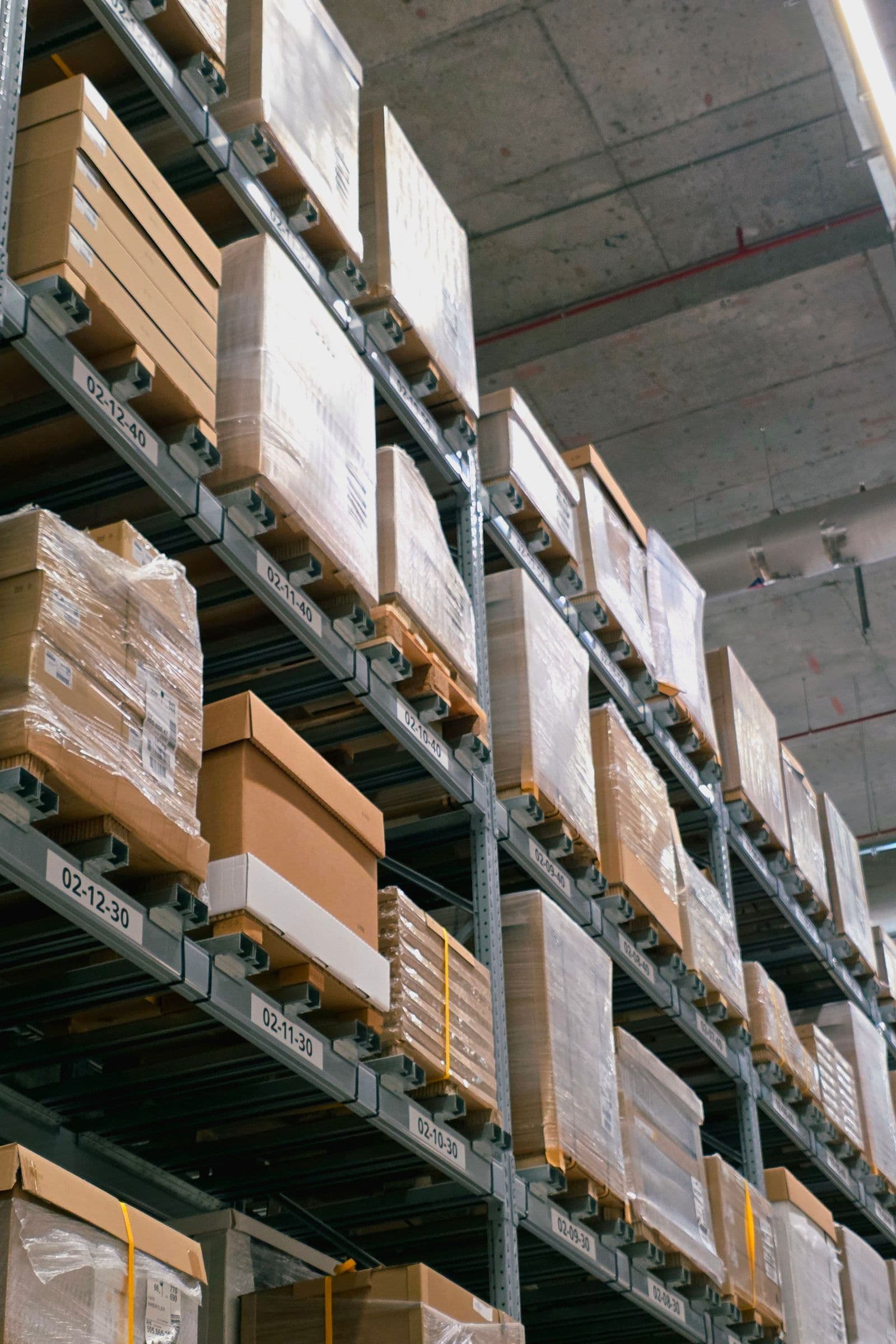
Running out is expensive. Not knowing you are about to is worse.
The cost of a stockout is not one lost sale, it is the customer who now knows you might not have it. Reorder levels exist so the decision happens days early, while it is still cheap.
Trades where stock is most of the money
Retail and supermarkets
Thousands of lines across outlets, scanned in and out, counted in sections.
Pharmacies and clinics
Batch and expiry aware stock, with the oldest sold first as a rule.
Building materials
Bulk quantities and yard stock, with transfers between sites recorded.
Agro and distribution
Depot stock and goods in transit, so a promise to a customer is checkable.
Electronics and gadgets
Serial numbers followed from delivery through sale to warranty claim.
Inventory management software
See how Niimbu compares with running stock on a spreadsheet.
No charge per item, per outlet or per user
Hold as many lines and locations as the business needs. Inventory is part of the same account as the counter and the store, so the figure they share does not depend on an integration you pay for.
- Unlimited items, outlets and movements
- Barcode scanning included
- Volume rates as sales grow
Frequently asked questions
How does stock get updated?
By the trading itself. A counter sale, a store order or an invoice reduces stock at the moment it happens, and a goods receipt or a return increases it. Nobody keys a separate stock entry, which is what makes the figure worth trusting.
Can I track stock across more than one outlet?
Yes, and quantities are held per location rather than as a single company total. You can compare outlets directly, move stock between them with both sides recorded, and set different reorder levels where one branch sells faster than another.
How do reorder alerts work?
You set a reorder level per item and per outlet. When stock crosses it you are alerted, with an indication of how long the remaining quantity is likely to last at recent sales rates. The point is to be told while there is still time to order.
Does the online store share the same stock figure?
Yes. There is one quantity per item per location, and the store, the counter and payment links all read it. Selling the last one in the shop removes it from the store, which is the failure that costs a customer rather than a sale.
Can I track batches and expiry dates?
Yes. Items can be batch tracked with expiry dates, and Niimbu can prompt the oldest batch to be sold first. This is essential for pharmacies and food, where selling out of order is a compliance problem rather than an inconvenience.
How do I do a stock take?
By section rather than all at once. You count against the live figure, scanning where you have barcodes, and variances are flagged as you go. Adjustments are recorded with a reason, so the correction itself becomes part of the trail.
What if my count does not match the system?
You can trace it. Every movement is logged with what caused it, so a difference can usually be explained rather than merely corrected. That matters, because a variance you cannot explain tends to repeat.
Does inventory cost extra?
No. It is part of the same account as the rest of Manage, with no cap on items, outlets or movements, and no charge per staff member using it.
More from Manage
Your books, customers, inventory and staff share one set of records. Every tool here feeds the same ledger.
The simpler way to scale your business!
Start free and see it working today, or talk to us about pricing for teams and higher volumes.